Connecting on Exchange via API

Connecting on Exchagne via API

To allow our bots to trade on your behalf, you need to connect your exchange account (like Binance) to Algo724. This is done using an API (Application Programming Interface) key, which is a very secure method that grants our platform trading permissions without ever exposing your login credentials.

This guide will walk you through creating a secure API key on Binance and connecting it to Algo724.

Part 1: Get Your Secure IP Whitelist from Algo724

First, we need to get a special list of IP addresses from our platform. This list tells Binance that only requests from Algo724's secure servers are allowed to use your API key, adding a critical layer of security.

  1. In the Algo724 platform, navigate to the Account tab in the bottom-left menu.

    Navigate to the Account section
  2. Click the Connect New button at the top right.

    Click Connect New
  3. A "Connect to exchange" window will pop up. At the top, you will see the IP White List. Click the copy icon next to the list of IPs.

    Copy the IP White List. Keep this window open in a tab
Keep these IPs saved on your clipboard; you will need them in the next part.

Part 2: Create a Secure API Key on Binance

Now, let's head over to Binance to create the API key.

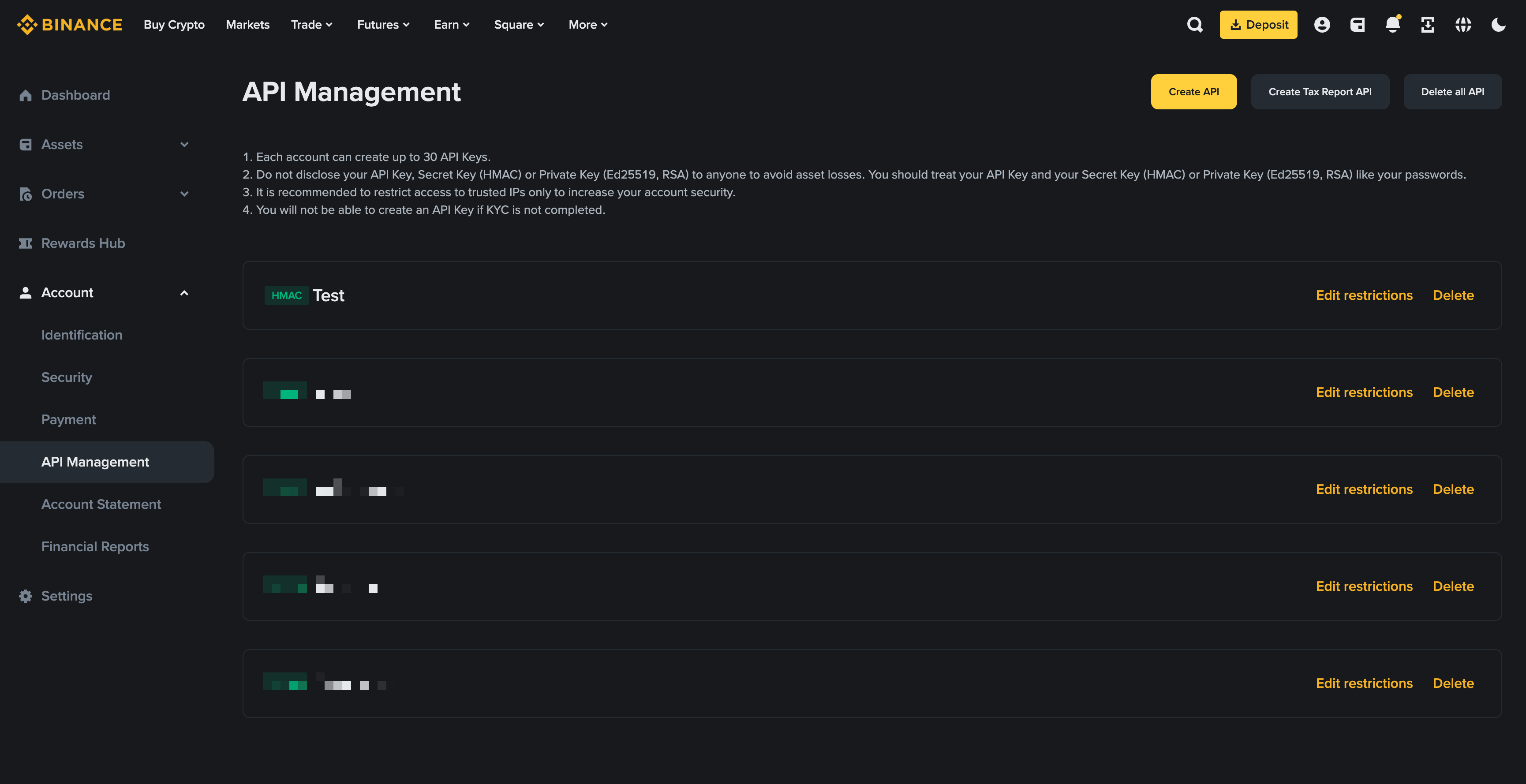
  1. Log in to your Binance account. Click on your user profile icon, and navigate to the API Management section.

    Navigate to API Management in Binance
  2. Click the Create API button and select System generated. Give your API key a memorable label, like Algo724, and click Next.

    Choose system-generated API key
  3. Complete Binance's security verification (2FA, email, etc.).

  4. Your key is now created! You will see the API Key and a Secret Key.

Create a new API key

⚠️ IMPORTANT: Your Secret Key is only displayed ONCE, right after you create it. Copy it immediately and store it somewhere safe. If you lose it, you will have to delete this key and create a new one.

  1. Click the Edit restrictions button.

  2. Set Key Permissions (Crucial Security Step)

    • CHECK β˜‘οΈ Enable Spot & Margin Trading. Our bots need this to place trades.

    • LEAVE UNCHECKED ❌ Enable Withdrawals. NEVER enable withdrawals. This ensures that even in the worst-case scenario, your funds cannot be moved out of your account.

    • LEAVE UNCHECKED ❌ All other options unless you are an advanced user creating a specific bot (e.g., for Futures).

  3. Set IP Access (Crucial Security Step)

    • Select the option Restrict access to trusted IPs only (Recommended).

    • Paste the list of IPs you copied from Algo724 into the text box.

    • Click Confirm.

    Input IP white list
Confirm the list
  1. (βœ… Important)Click Save. Binance will ask for 2FA verification again.

Part 3: Enter the API Keys into Algo724

Now for the final step! Let's go back to the Algo724 "Connect to exchange" window.

  1. Account Name: Give this connection a nickname (e.g., My Binance Spot).

  2. Account: Select binance from the dropdown.

  3. AccountType: Select spot.

  4. API key: Paste the API Key from Binance here.

  5. Secret key: Paste the Secret Key you saved from Binance here.

  6. Click CONFIRM.

    Fill in your details and new API keys
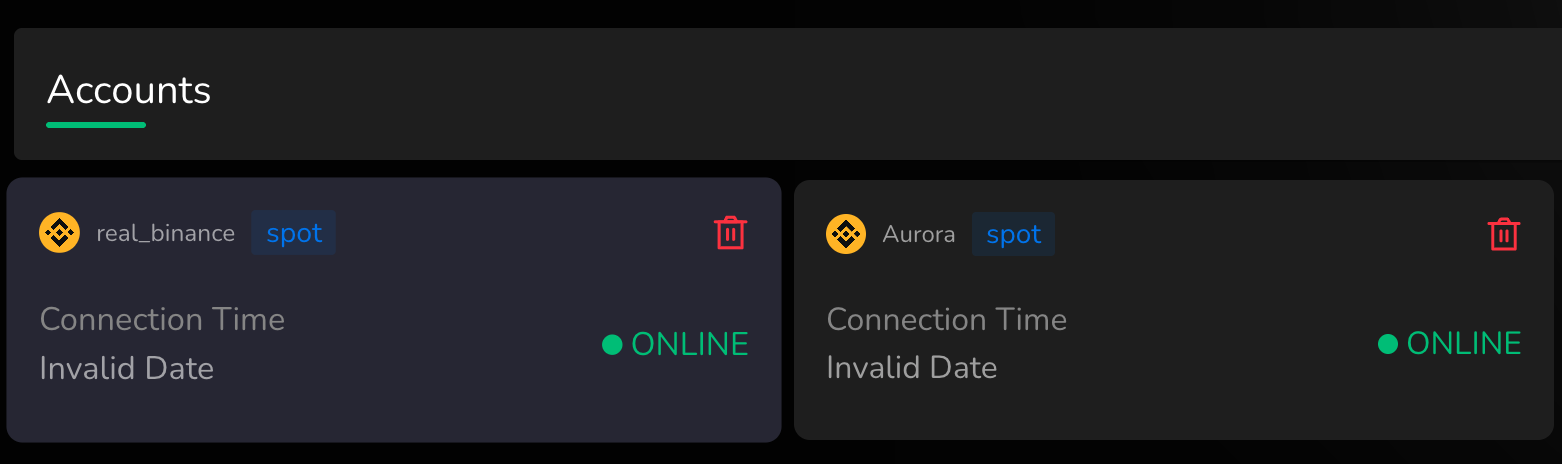
Success!

You should now see your new connection in the Account list with a green ONLINE status.

Connection Online

Your account is now securely connected, and you are ready to launch your first bot!

Last updated